
Your logo on a uniform is permanent marketing — visible to customers, colleagues and anyone your team meets on the commute. Getting embroidery right means choosing the right placement, size and file format before production starts. Poor artwork preparation is the most common cause of delays in bulk uniform orders.
Standard placement zones
Left chest (most common)
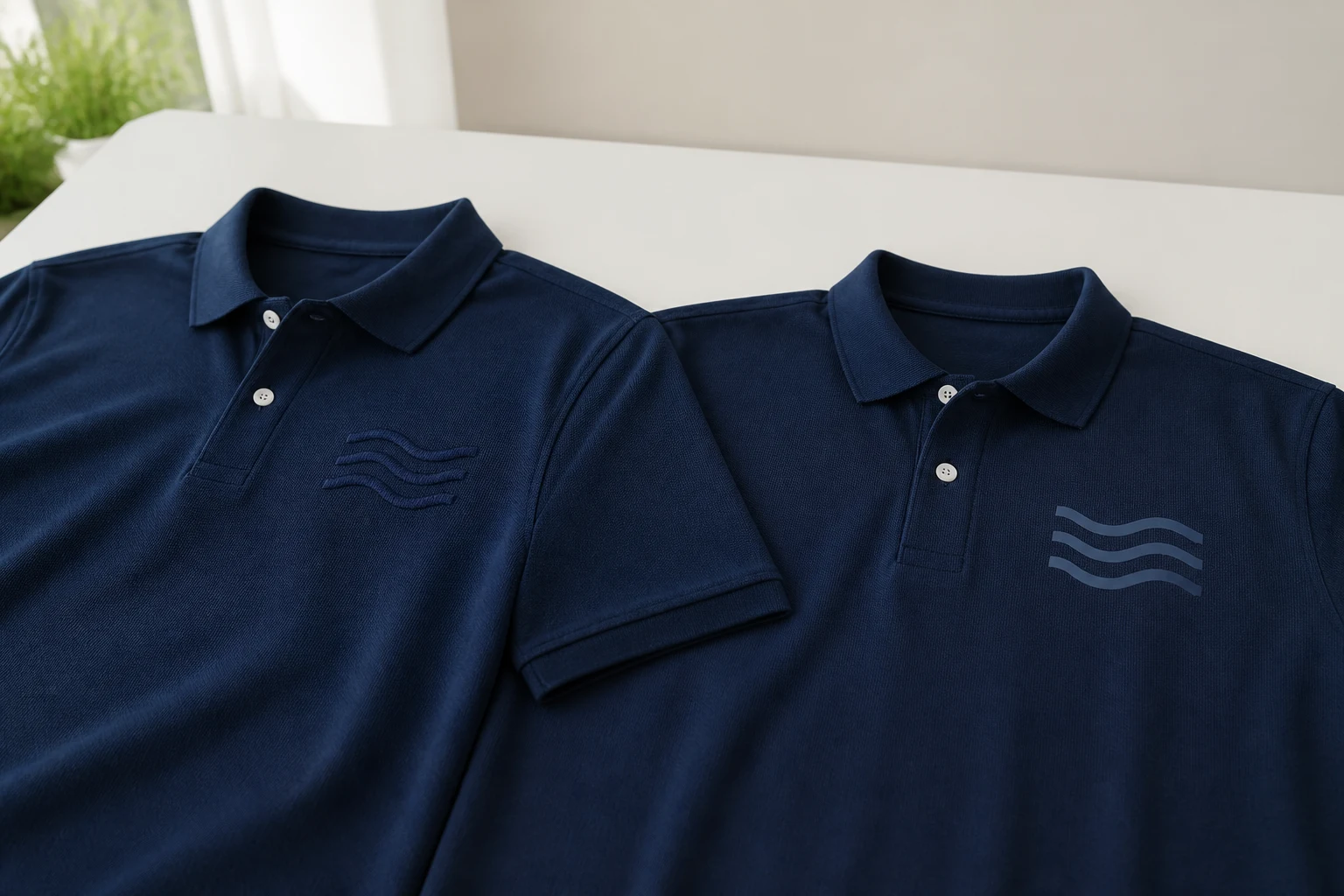
The left chest is the default for corporate shirts, polos and blouses. Typical embroidery size is 80–100 mm wide. Works well for logos with text and simple icons. Keeps the design visible when staff wear blazers or aprons over the shirt.
Sleeve and back
Sleeve embroidery suits security, industrial and event teams where a chest logo may be covered by equipment. Back logos — between the shoulder blades — work for jackets, hi-vis vests and chef whites where front space is limited or already used for name badges.
Caps, ties and accessories
Chef caps, security caps and hospitality ties need smaller, simplified logo versions. Complex logos with fine text do not embroider well below 50 mm — ask your supplier for a simplified mark for small placements.
Artwork file requirements
- Vector files (AI, EPS, SVG or high-res PDF) give the cleanest result
- PNG or JPG at 300 DPI minimum if vector is unavailable
- Specify thread colours using Pantone or a physical swatch
- Approve a digital mock-up before bulk embroidery begins
Uploading your logo when ordering online
On Uniform.lk product pages, you can upload your company logo and select placement zones directly when adding to cart. One file per order is usually enough — we apply it to each garment in your size run. For complex multi-placement orders (chest plus sleeve plus back), contact us for a custom quote.
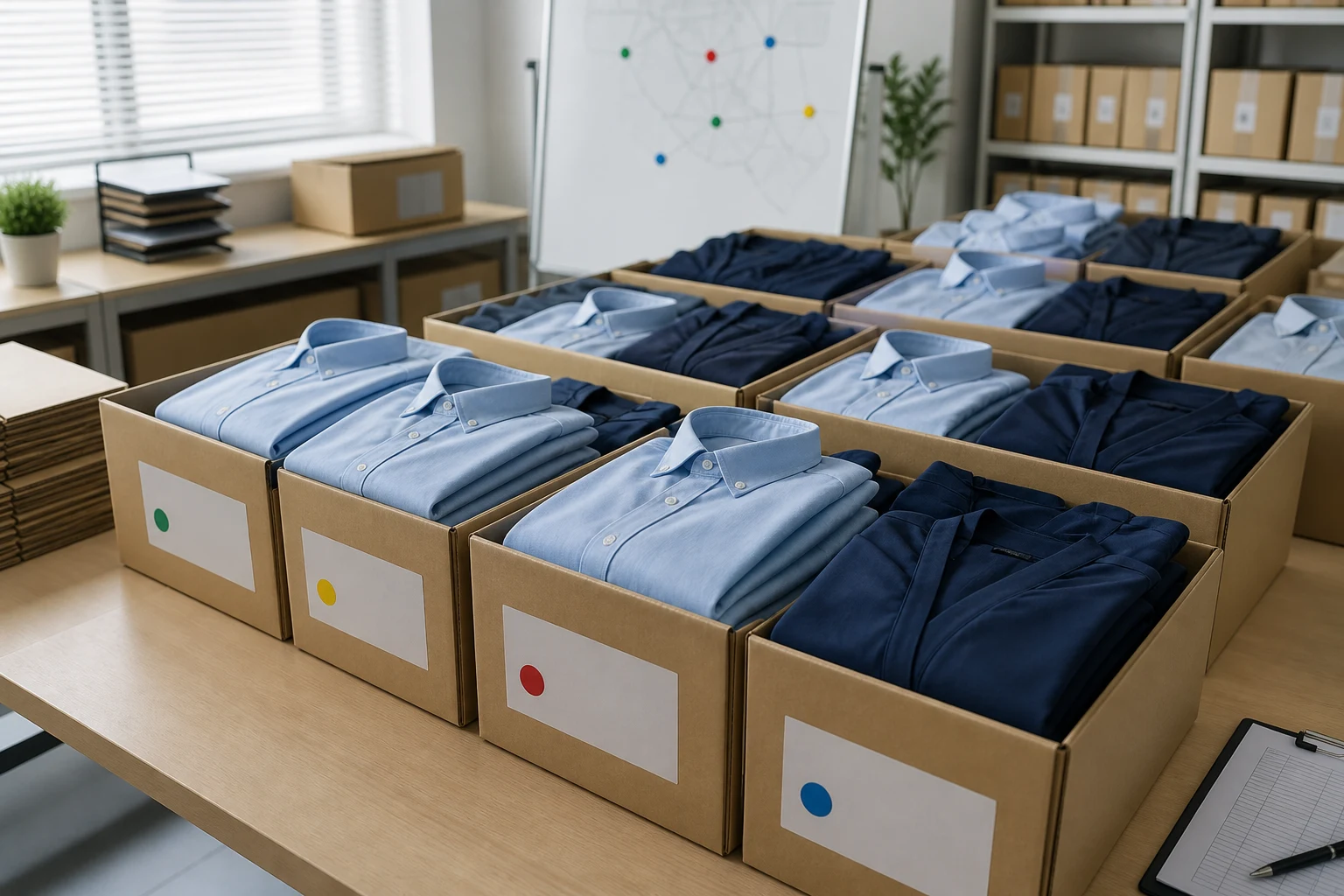
Ordering for a team of 20 or more? Request free sampling on our bulk orders page and we will embroider your logo on a test garment before full production.